
Preliminary call
A free call to check where you are and what you want to build. A bit of CG background helps, but you do not need to be advanced. We use the call to make sure this is the right fit for you.
AI for VFX · Group Mentorship
Eight weeks inside the pioneering VFX and AI pipeline behind IndyKid and the AI Crusade, run as a full production from the first brief to the final delivery.Three months with high-end production software, not a trial: Character Creator 5, iClone, Headshot 3, Face Tools, AccuFACE and AI Studio, licences donated by Reallusion.Taught live by a VFX & CG Supervisor with over twenty years at DNEG, MPC, Mill Film, Framestore and Pixomondo.
A proven-concept pipeline for mixing AI and VFX and keeping full control of the result. Concept in ComfyUI, character in Character Creator and Headshot 3, textures in Substance, wardrobe in MetaTailor, performance through AccuFACE and iClone, then AI Studio for the final render, with Claude Code running underneath as the project brain.
The best of both, without giving up the craft decisions to a prompt.
It is the workflow I built for IndyKid and the AI Crusade, and in September 2026 Reallusion published it in their magazine.
The workflow is new. The way we run it is not: the whole mentorship runs as a full production. I supervise, you deliver shots, and every week your work gets reviewed.

Not a two-week trial with a countdown on it. Three months with high-end production software, long enough to finish something.
*Reallusion donated these licences and that is the whole of their involvement. They are not involved in creating or running the program and are not responsible for its outcome.
The strongest short from each class goes out on my channels, in front of an audience already watching this pipeline.
I am also producing a full behind-the-scenes of the mentorship itself, with interviews with the artists in the room, published on my channels.
If you want to be in it, you will be. If you would rather stay off camera, that is fine too.
The workflow is pioneering. The way we work is the way a real show works.
The whole mentorship runs as one production, and I run it as the supervisor. You deliver shots, I review them, the notes go straight into your next pass, and every shot is tracked in PXLflow, the production tracking system I built and use on my own work. You leave knowing the tools, and knowing how a show runs around them.

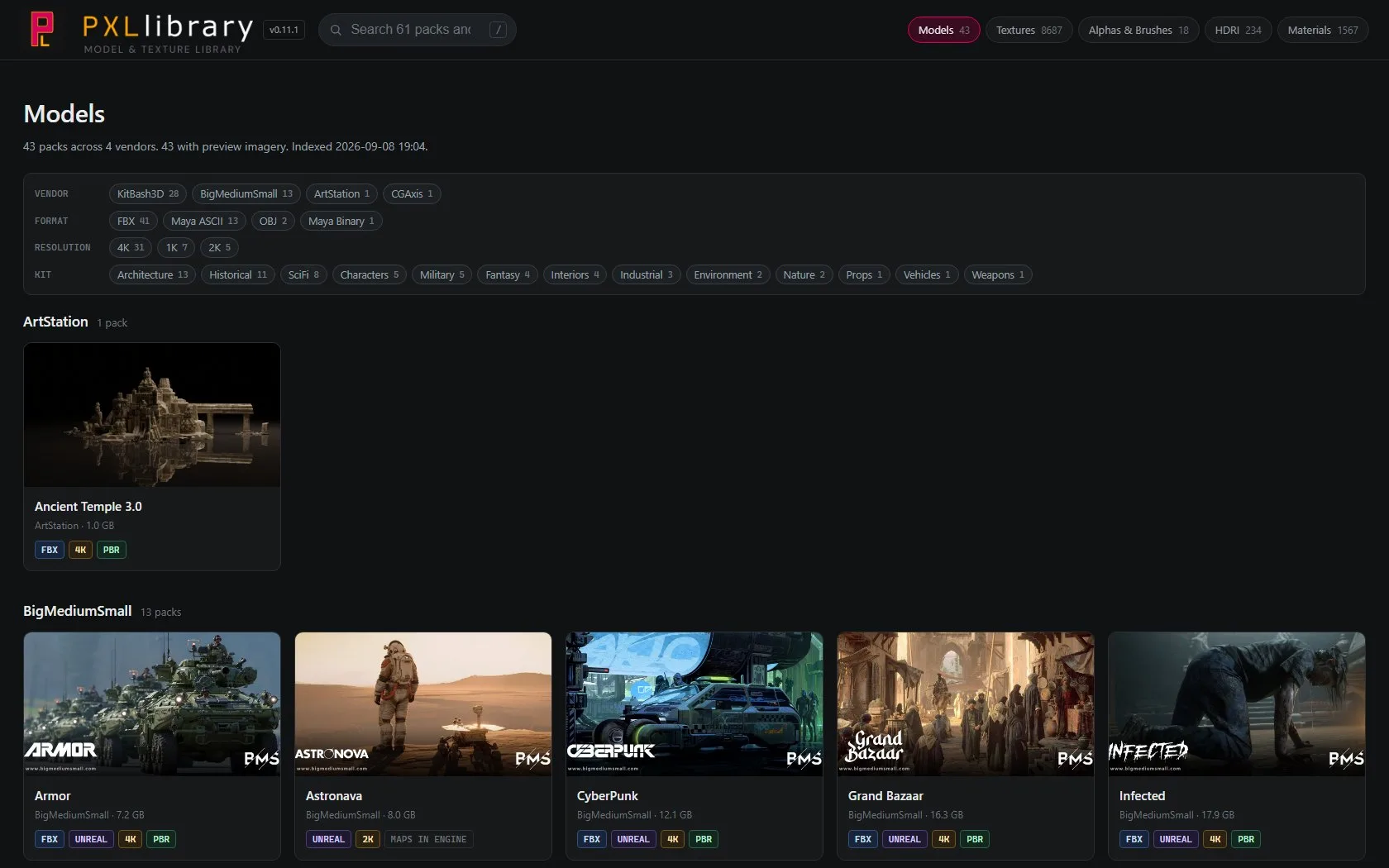
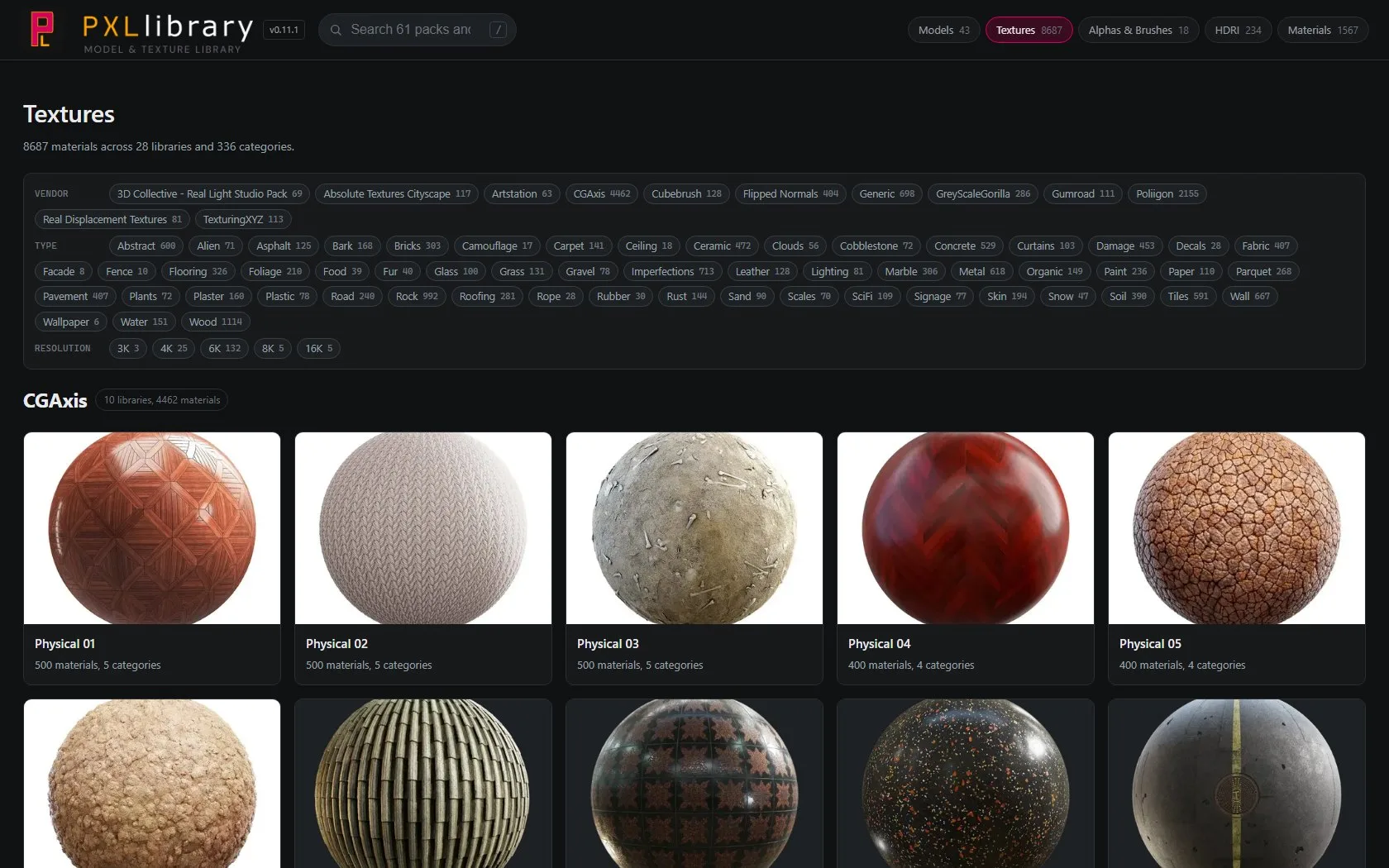
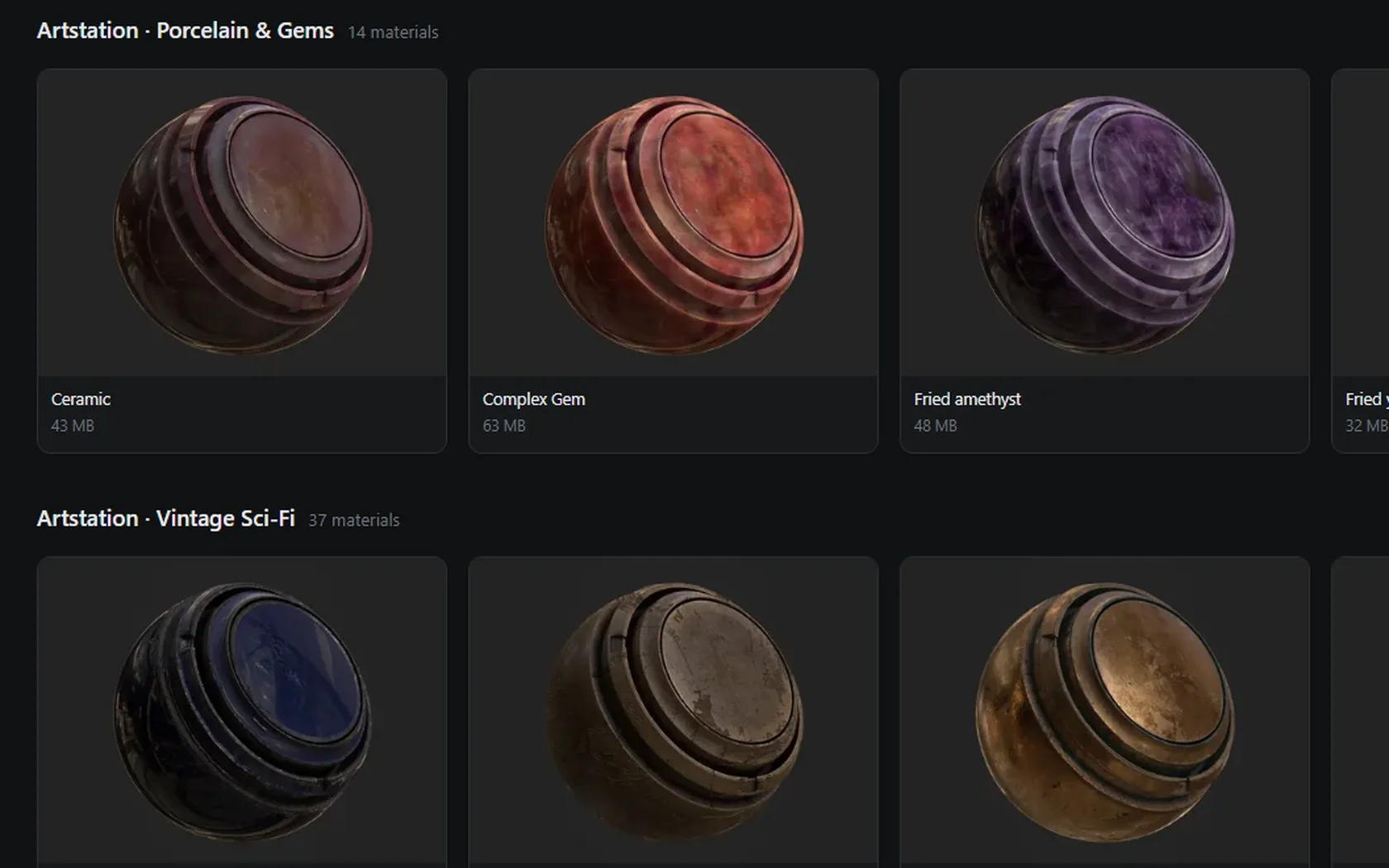
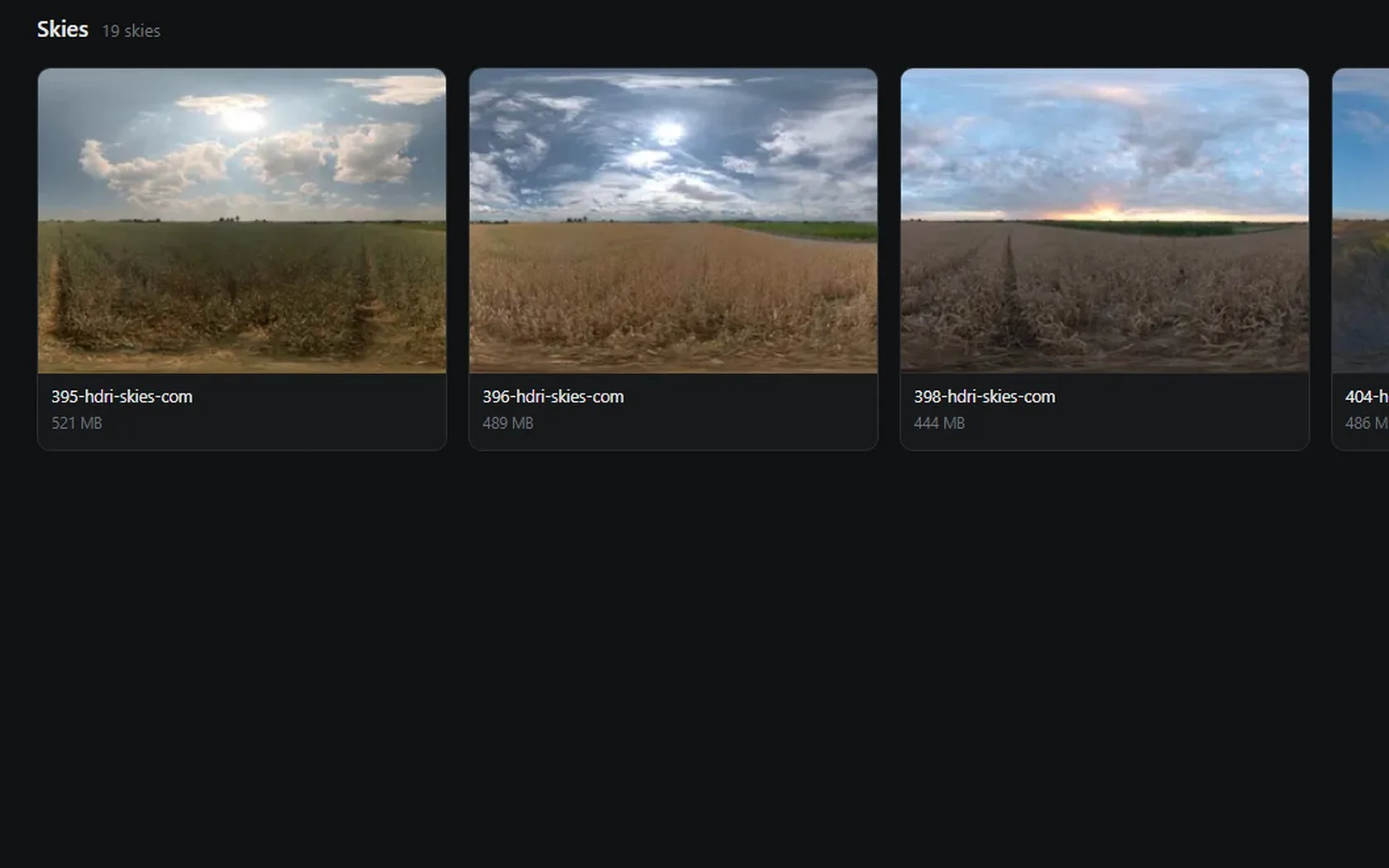
So you can focus on the artistic part, you get access to my PXL library for the course: base geometry, materials and lighting already there, instead of weeks spent modelling a background.
Access is for training and testing inside the course only. Nothing is resold or licensed to you, and I am not responsible for any use of these assets outside the course.
Nothing hidden behind a black box. The exact tools the work moves through, in order.












Maya is what I work in, but the DCC is the swappable part: Blender, 3ds Max or Houdini all sit in the same slot, and the course is taught so the pipeline holds whichever one you already use.
Limited seats available.
Five honest steps.
The real process of the class, from the first call to a finished short built alongside other serious artists.
A free call to check where you are and what you want to build. A bit of CG background helps, but you do not need to be advanced. We use the call to make sure this is the right fit for you.
You join a small class, six to ten people, all building their own character and their own short through the same pipeline in the same eight weeks.
Three hours a week, live. Each session takes one stage of the pipeline apart and shows the real decisions behind it. Then you do it on your own character, and I review what you made.
Everyone is at a different stage of the same problem every week, so the room becomes a live troubleshooting group, on the calls and in the private Discord. Your short is tracked in PXLflow and your files live on the shared private drive, the way a real production runs. You learn as much from the other eight characters as from your own.
You finish with your own short, a couple of shots, and the ability to explain every stage of how it was made and how the production around it was run. That explanation is worth as much as the footage.
See what the eight weeks build before you reserve your seat.
Each week is one stage of the workflow behind IndyKid and the AI Crusade, taught in the order it was actually built.
You apply every stage to your own character between sessions, so the short assembles itself as the weeks pass.
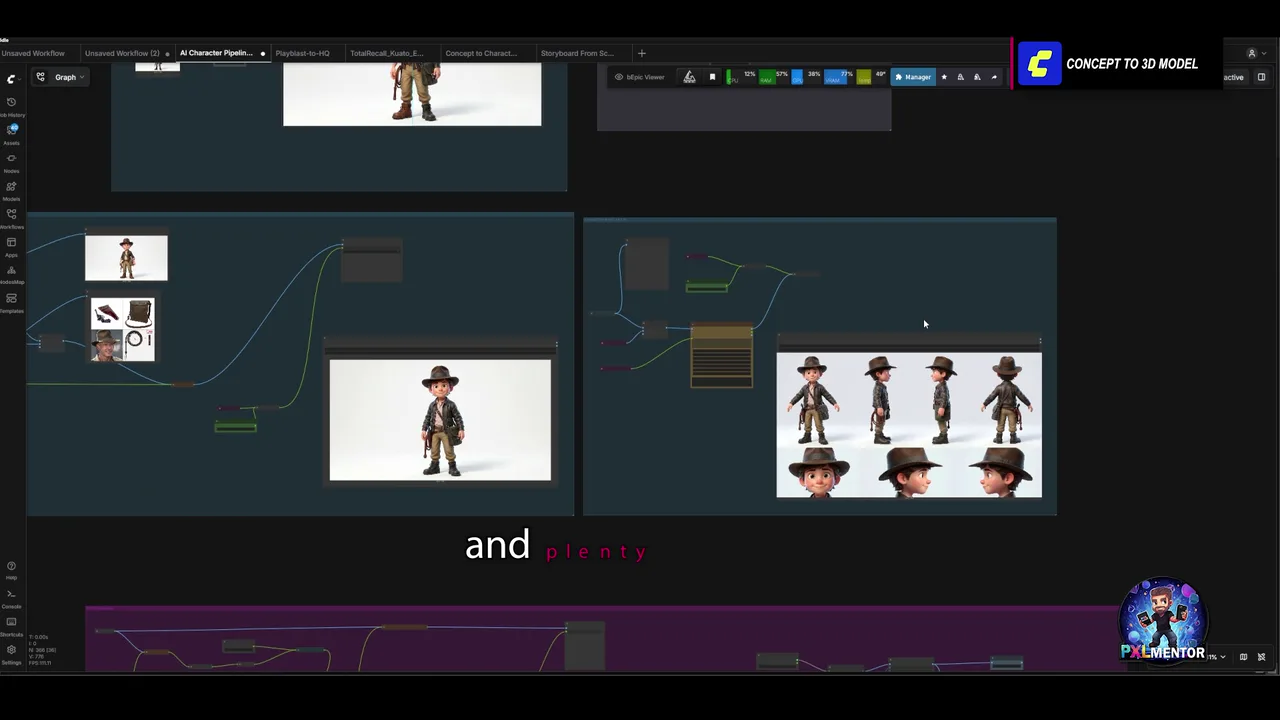
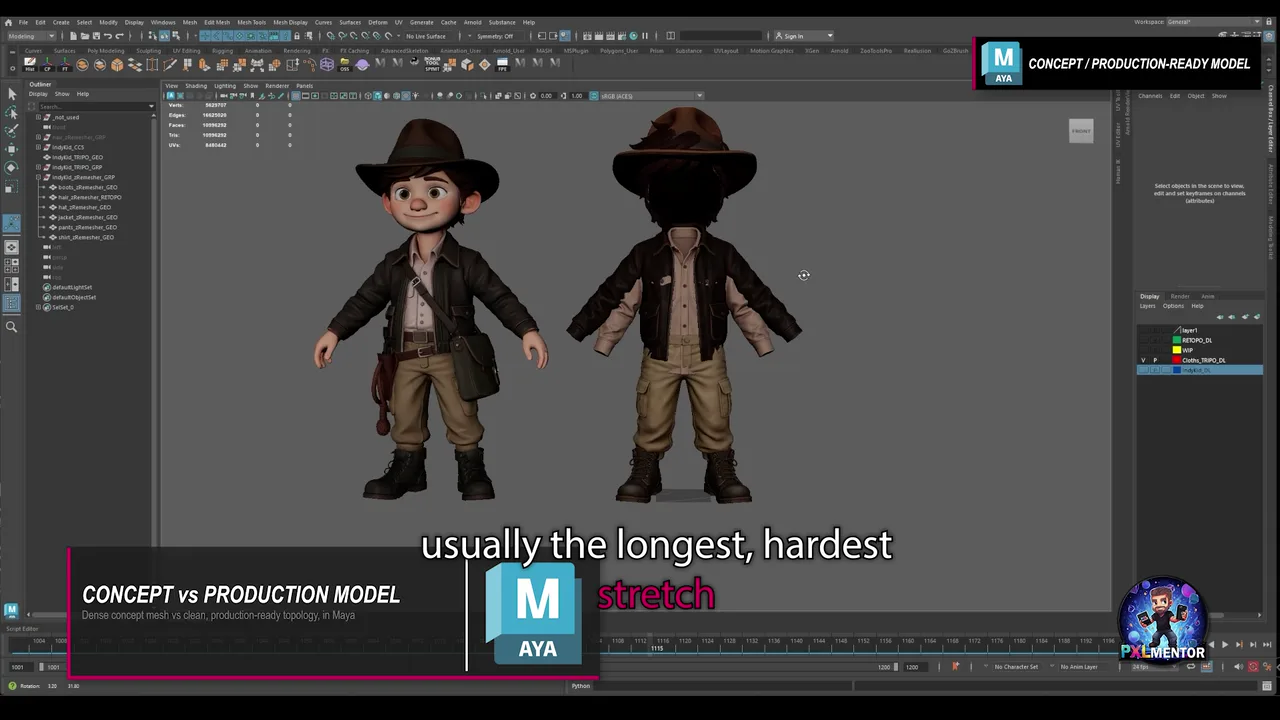

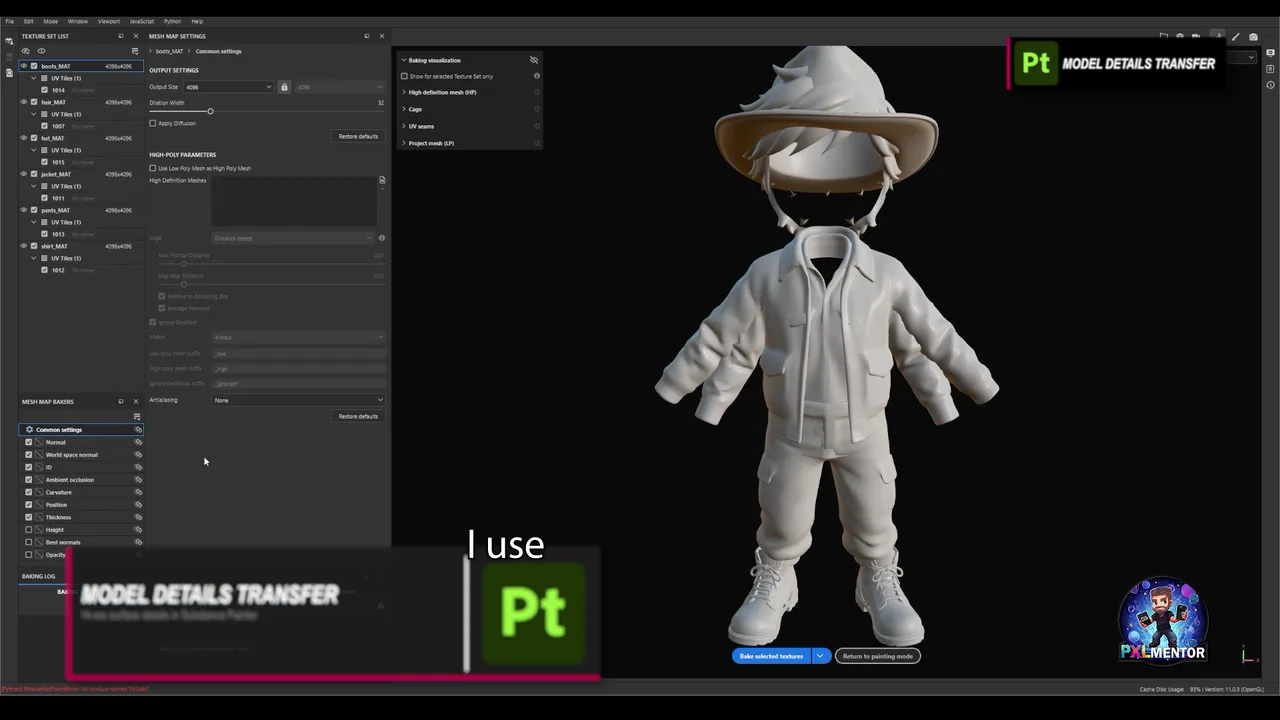
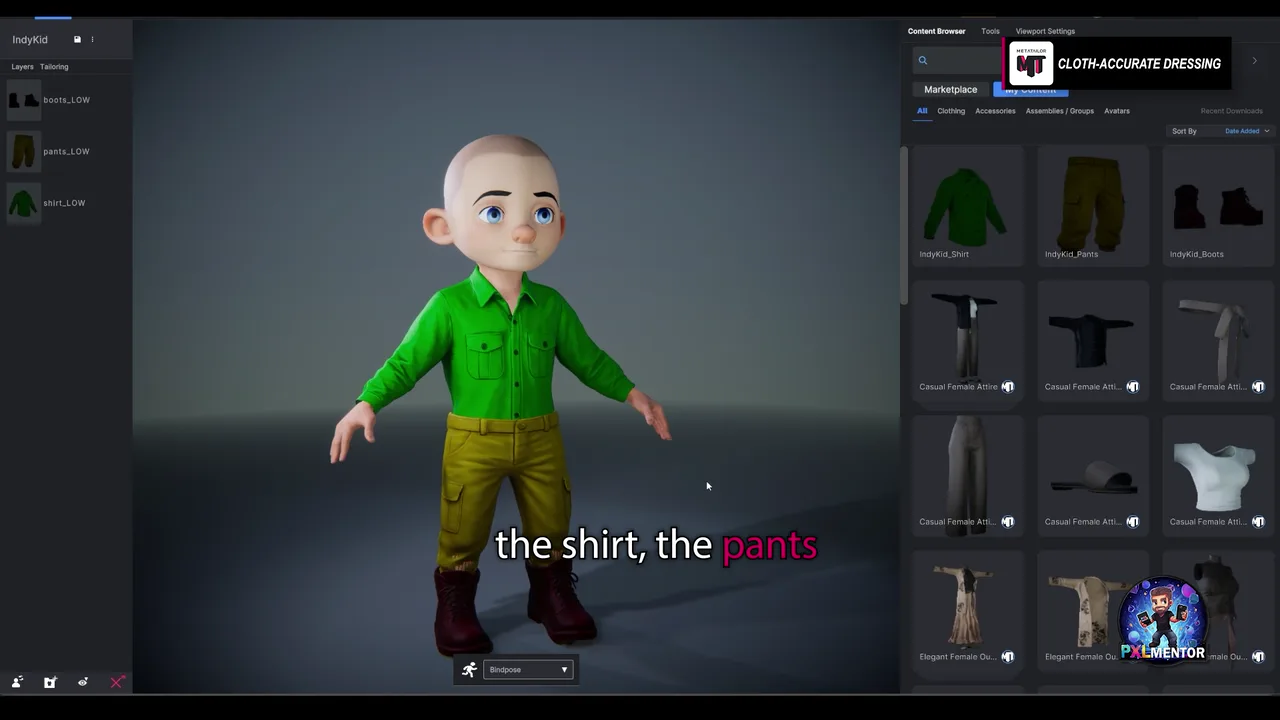
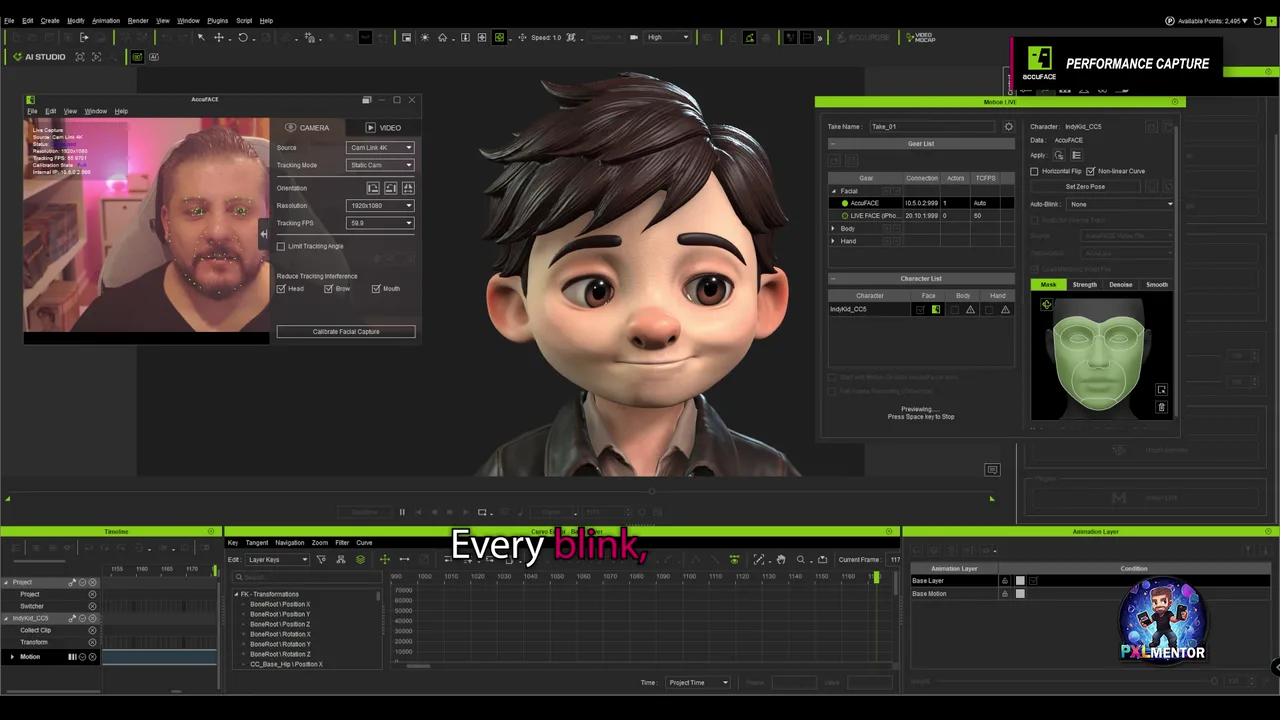
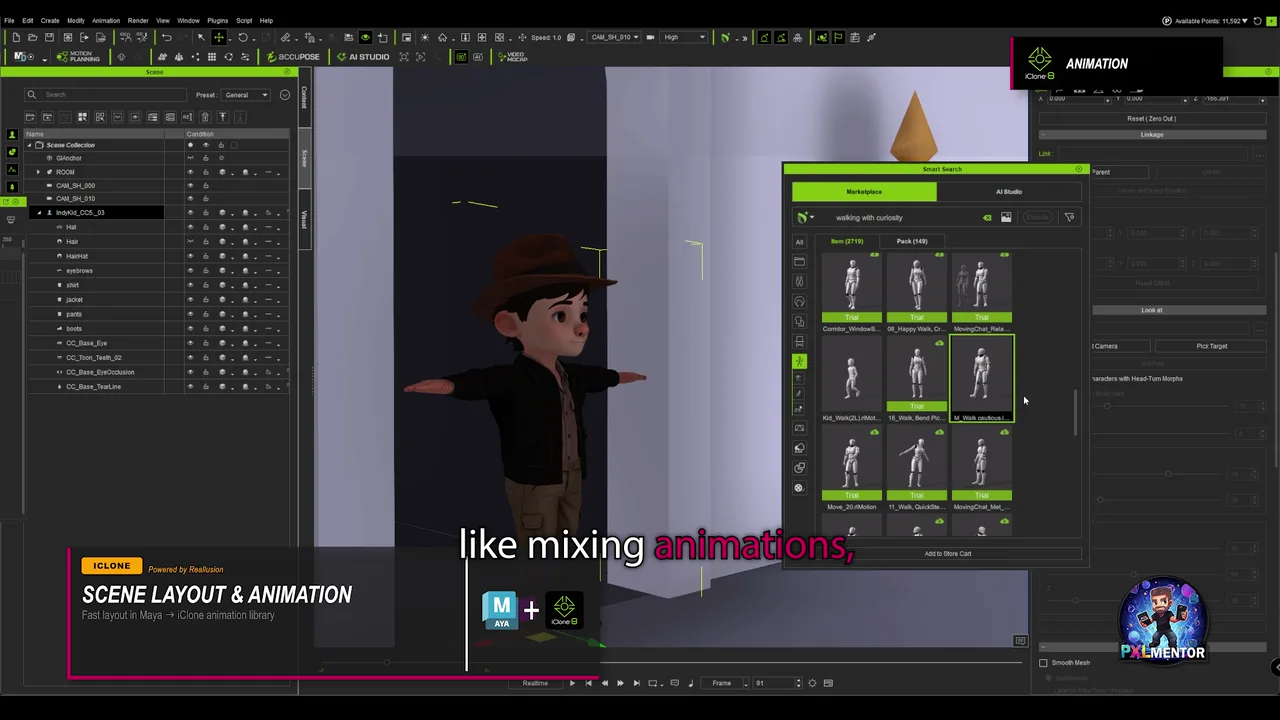
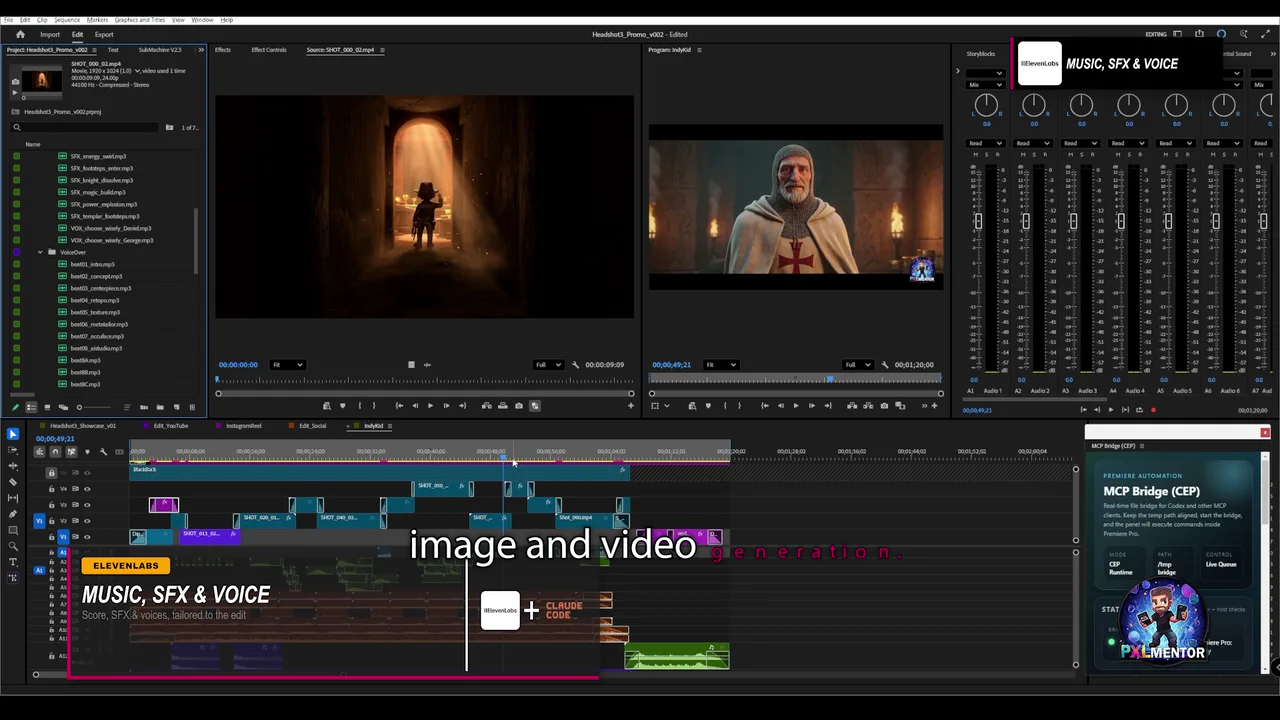
The finished short, and the full breakdown of how it was built.
Everything in that breakdown is what the eight weeks take apart, stage by stage.
The full breakdownEvery stage of the pipeline, start to finish, with commentary. This is the course in eight minutes.
The finished pieceIndyKid and the AI Crusade. A couple of shots is the target for eight weeks.
This one is the reference, not the homework. Yours will be your own character and your own story.
Limited seats available.
Everything here is built to get a working artist
from a blank project to a finished hybrid-pipeline short in eight weeks.
per live session, split between work review, technical knowledge and practical exercises
one stage of the pipeline per week, applied to your own character between sessions
including two extra 1-hour sessions at the end for your short and your breakdown
 What I provideThe teaching, the room, and a production to run it in.
 Software licences donated by Reallusion*Full access for three months, from the day the class starts. None of it is a time-limited trial.
*Reallusion donated these licences, and that is the whole of their involvement: they are not involved in creating or running the program, have no part in the teaching, and are not responsible for any student's outcome.







The honest ones, about level, hardware and what you walk away with.
If yours is not here, that is what the free call is for.
Six to ten people. Small enough that I can look at every character every week, large enough that the room troubleshoots itself. If fewer than six sign up the class is postponed rather than run thin.
Anyone whose work touches a CG pipeline, directly or not, and who keeps hitting the same wall. Animators who can move anything but cannot build their own assets, so they are always waiting on someone else. Concept artists who want to take their own concept all the way to a finished model and a moving shot, without learning to model from scratch. Character artists curious about where this pipeline actually breaks and where it holds. Generalists, solo creators and supervisors who want to know what one person can realistically ship now, with the craft to direct it. The pipeline is the same for all of them; what changes is which part of it is the new bit for you.
Some CG background helps. Roughly the fundamentals: you have opened a 3D package before, and words like mesh, texture and light are not new to you. You do not need to be good at any of it yet. Every stage is taught from scratch on the day, and the pipeline itself carries a lot of the weight. If you are starting from absolute zero, come to the call and we will work out whether to start here or with the general program.
Not all of it. Reallusion donates three-month licences for their side of the pipeline, so that part is covered for the run of the course. AI Studio credits are the exception, those you buy yourself. The rest is either free, like ComfyUI, or has a trial that comfortably covers eight weeks. We confirm exactly what you need on the free call, before you commit to anything.
A machine with a reasonably modern GPU. The local AI stages are the demanding part, and we cover cloud alternatives for the heaviest steps, so an older card slows you down rather than stopping you. Bring your specs to the call and I will tell you honestly where you will struggle.
No, and that is the point. Every AI stage sits on top of real geometry, real textures and a real performance that you built. The prompt is the last ten percent, and the course spends most of its time on the ninety that makes the ten work.
That is the deliverable. A couple of shots with your own character, taken all the way through the pipeline. Some people finish inside the eight weeks, most finish during the follow-up month, which is exactly what the follow-up month is for.
The weekly stages are deliberately sized to be doable, and the class plus the Discord pull people back in. The one month of follow-up after the program exists for the same reason. Falling a little behind is normal, staying behind is what we prevent.
Three hours a week, live, for eight weeks, plus two bonus one-hour sessions near the end. Exact days and times are set per class so the room actually shares a timezone. Current dates are confirmed on the free call.
The general program covers the whole CG and VFX pipeline over a longer run, building the craft from the ground up. This one is eight focused weeks on a single hybrid workflow, with a finished short as the deliverable. Different shape, different outcome, and plenty of people do both.
The sessions are live and that is where the value is, but you will not lose a week to a conflict. We agree the recording policy with the room at the start of each class.
It is going to take the job of anyone who only knows how to click one button. Everything here is built on the opposite bet: an artist who understands the craft underneath moves several times faster with these tools. That is the argument, and this course is me showing my working.
Reallusion donates a three-month licence to every student in the class for Character Creator 5, iClone, Headshot 3, Face Tools and AccuFACE, plus AI Studio access. AI Studio credits are not part of it. The clock starts when the class starts, so it covers the eight weeks and the month after, which is the month you use to finish and publish. After that the licences end. Anything you made stays yours, and your exported shots, renders and project files are not affected. If you want to keep working in the suite afterwards, that is a normal Reallusion purchase and nothing to do with me.
Yes. AI Studio access comes with the donated licences, the credits do not, so you buy your own. How far they stretch depends on the length and resolution of your shots. That is why week one plans the shots around a budget. A good part of the course is knowing where the AI is worth spending and where it is not, so the credits go where they actually matter on screen.
Yes, and I would rather say so now than have you find out in week three. The donated licences cover the Reallusion side of the pipeline, which is the character build, the performance and AI Studio access. AI Studio credits are yours to buy. The rest of the stack is yours to provide: a DCC, a texturing package, and the smaller tools we use along the way. Several are free, ComfyUI among them, and the DCC is the swappable part, so Maya, Blender, 3ds Max or Houdini all sit in the same slot. Book the free call and we will go through what you already have before you pay anything.
Two ways. Put down 50 dollars to secure your spot and pay the remaining 700 a week before the class starts, which is 750 in total, and I invoice you directly. Or pay the whole thing up front for 700, which saves you the 50. Same seat either way, and all prices are in US dollars. The 50 is what holds the seat, so it is not refundable if you simply do not complete the payment.
Two different situations, and they have different answers. If I cancel the class, because fewer than six people confirm, you choose: a full refund, or your seat moves to the next class. Nothing is kept and nothing is decided for you. If you reserve with the $50 and then do not pay the balance, the $50 is not refunded. That is what it is for: while you hold the seat nobody else can have it, and a class is six to ten people, so an unpaid seat costs someone else their place. Miss the deadline and the seat goes back to the pool, first come first served, and the next person to pay takes it. Talk to me before the deadline and I will always try to move you to the next class instead, but the deposit is not returned as cash.
$750 for the full eight weeks, or $700 if you pay in full up front.Classes start 1 November 2026 and 1 February 2027, six to ten artists each.
A class only runs if at least six people confirm. If it does not, you choose: a full refund, or your seat moves to the next class. The $50 deposit is what holds a seat, so it is not refundable if you do not complete the payment: the seat goes back to the pool and the next person takes it.
Book your free 30-minute call. Tell me what you can already do and what you want to make, and I will tell you honestly whether this class is the right fit.
Reserve your spotWant to talk first? Book a free call